About archives and manuscripts search
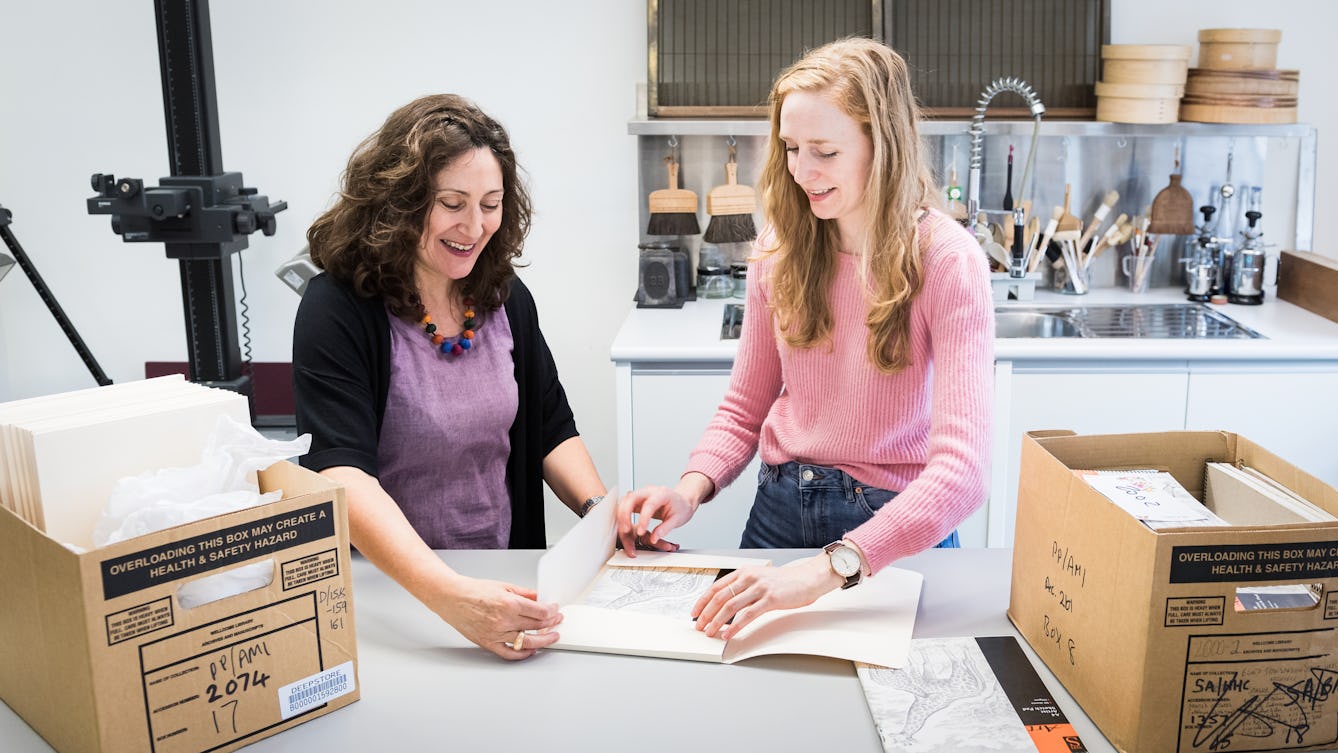
The Library's rich collections of historical and contemporary papers of individuals and organisations involved in medical science and healthcare make up the Archives and Manuscripts Collection. For in-depth research into this collection, use the Archives and Manuscripts catalogue. The material to be found in the collection includes:
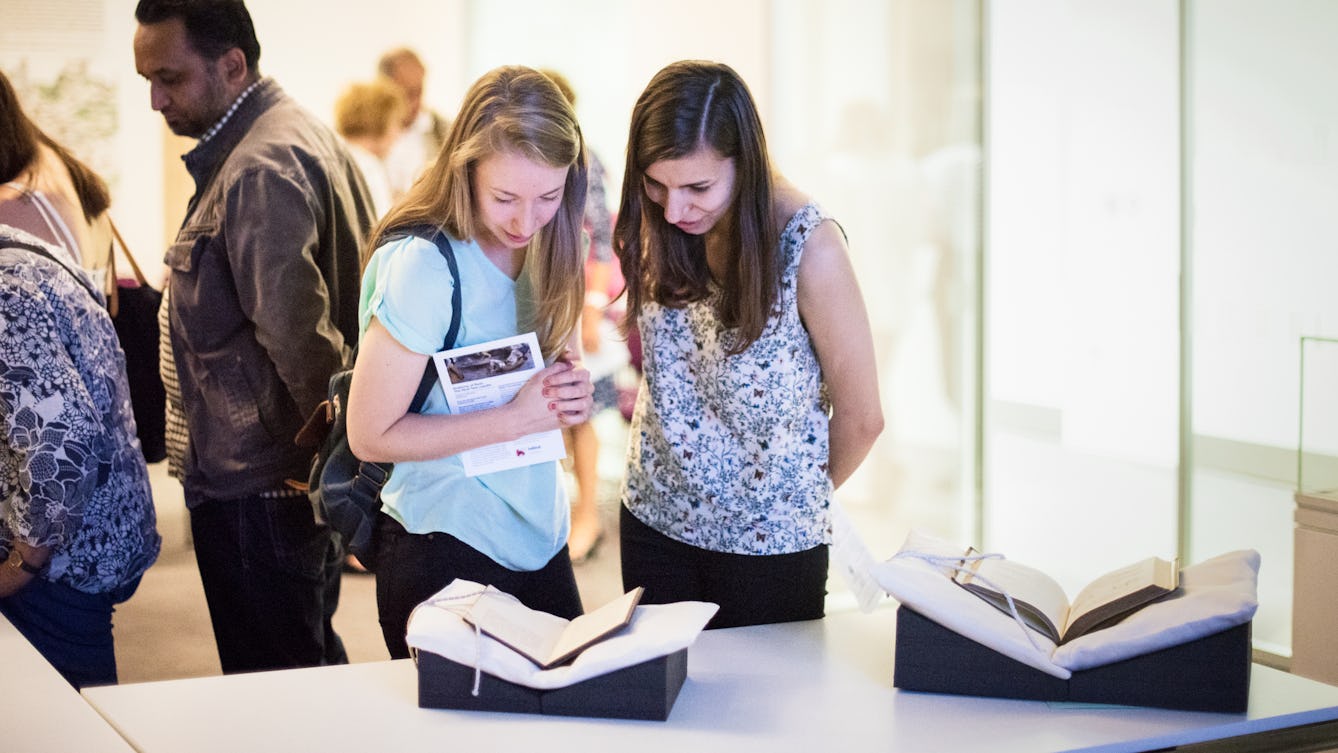
- manuscripts from the third century onwards, including 300 medieval manuscripts
- records of clubs, societies, pressure groups, professional bodies and businesses
- personal papers, correspondence, notebooks and diaries
- medical case books
- laboratory notebooks, research and lecture notes
- domestic recipe books
- photographs and drawings.
You can also get advice on what is available in the collection from the subject guides, or by contacting the Archives and Manuscripts team.
Archives and Manuscripts material can also be found by searching All catalogues . This searches across all the Library’s collections in one go but offers fewer search filters for archival material.
Search features
There are several different ways to search the Archives and Manuscripts catalogue:
Keyword searches
You can do keyword searches for any of the following categories:
- any text
- reference (for a known collection/manuscript reference e.g. PP/RJH)
- title
- creator name
- language.
Keywords can be combined in three different ways using the ‘Word Options’ at the bottom of the search page:
- And (default setting) finds all of the words within the same record, but not necessarily next to each other, e.g. Crick and DNA
- Or finds either of the words, e.g. AIDS or HIV
- Phrase finds words next to each other and in order, e.g. ‘Francis Crick’.
You can combine different search categories in the same way using ‘Field Options’.
Date searches
You can search for material by date in a variety of ways:
- looking for precise years (for example, 1914)
- looking for precise date-spans (for example, 1789-1815)
- looking for broader or less precise spans of time (for example, 14th century, early 18th century, 18th century – 19th century, 1920s).
Subject searches
Subject searches use a controlled vocabulary to find items assigned a particular subject category. To find the correct subject terms for your topic:
- Click on the word ‘subject’ next to the subject search box.
- This will open a pop-up box where you can lookup subject terms.
- When you enter a word, a list of suggested terms should appear. Select the term you wish to use.
- Click on the word ‘term’ next to the selected term so that it appears in the subject search box, then click on ‘search’ to complete your search.
Combined searches
Any of the options described above can be combined in one search: for example, you can fill in the appropriate boxes to look for material that is in German, dating from the 15th century, with Surgery as its subject.
Viewing results
- Results can be sorted by clicking on one of the blue column headings at the top of the results list. Items are sorted alphabetically, apart from the date column, which sorts in approximate chronological order, from the earliest to the most recent. The four sort options are 'reference', 'level', 'title' and 'date'.
- To see the full details of an item, click on the title.
- To see how a record fits into an archive collection, click the ‘see this in context’ link in the full record display. This will show the arrangement of the items and sections within the collection.
Refining results
Once you have completed a search, you can refine your initial results by clicking the ‘Refine search’ button and adding more terms in the search boxes.
To increase your results, use ‘widen’:
- type your additional terms in one of the search boxes
- click on the ‘Widen’ button at the bottom of the search screen.
To restrict your search, use ‘narrow’:
- to narrow down to English language material only, type English in the ‘language’ box
- click on the ‘Narrow’ button at the bottom of the search screen.
Pressing the 'enter' key on your keyboard defaults to 'narrow'
To exclude items:
- type the term to be excluded
- click the ‘Exclude’ button at the bottom of the search screen.
Navigating the catalogue
Archive material is often related to other items and it is useful to be able to see this: for instance, if you find something relevant in the papers of an organisation you will want to see the rest of the organisation’s papers to see if they might also help.
You can see this by clicking on the ‘See this in context’ link near the top of each detailed record description. When you click this it will build a ‘tree’ containing the thing you have just been looking at and all related records.
Within the tree, click on the blue reference number of any item to see its detailed description. Where you see a triangle next to a reference, this means that there are more records below this. Click on the triangle to open up this new ‘branch’ of the tree..
Requesting items
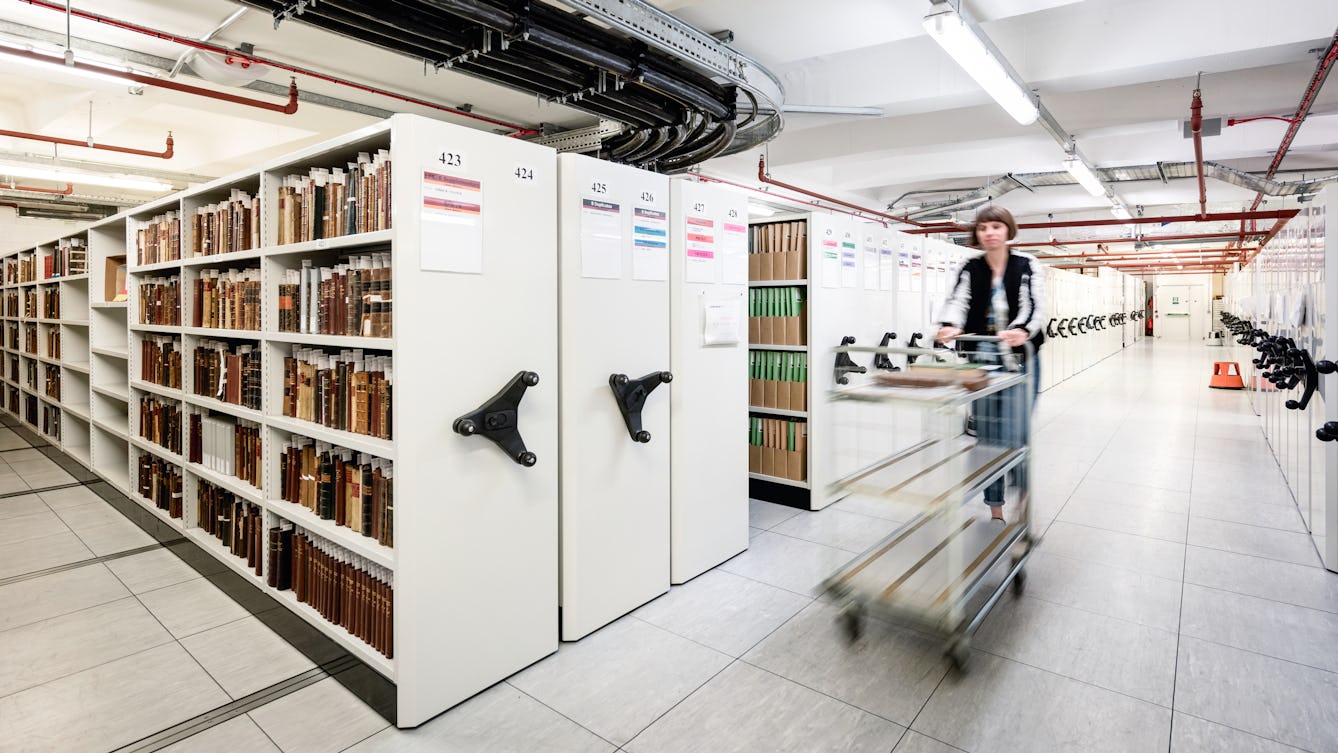
You can order up to 20 items at once - not 20 whole collections or sections. If you have found something interesting at Piece level in a catalogue, this means that you have found a part of a file or volume and you will have to order at the Item level above this.
To request an item from stores:
- Click ‘Request this item' in the full record display. This will take you into the catalogue record.
- To place your order, click the 'Request it' button.
- Log in with your Library Card number or username and your password to complete your order.
- To get back to the Archives and Manuscripts catalogue, use the browser’s back button.
If you are unable to order an item online, please contact the Archives and Manuscripts team who can order it for you.