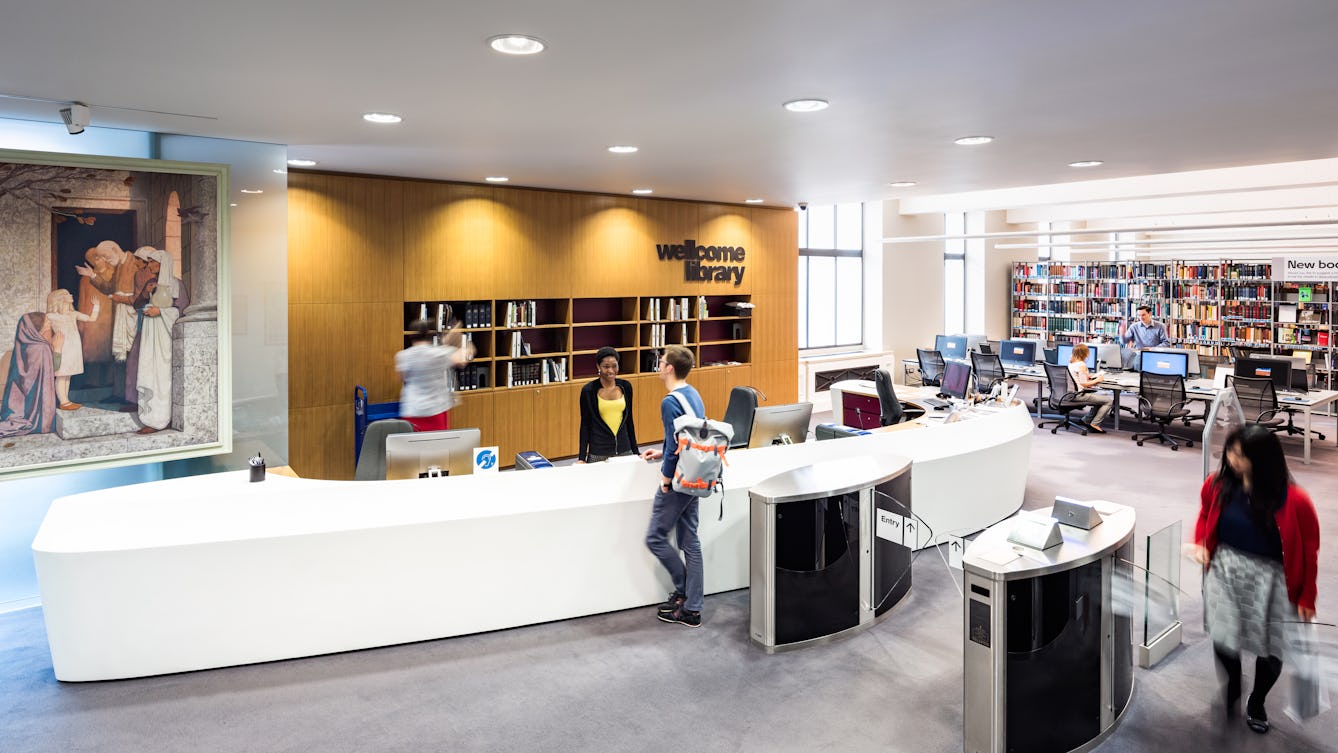
Most of the Library's collections are held in closed stores, meaning they can only be retrieved by Library staff. If you have a Library card, you can order up to 20 items online for use within the Library. Once you've ordered items from closed stores, we reserve them for you for two weeks.
Not yet a member?
Register online to order up to 20 items, or contact us to request materials before your visit (minimum two working days' notice).
How to request from stores
Making an online request from the All Catalogues search or Library catalogue
Once you have done a catalogue search, follow these steps to make a request:
- The catalogue shows whether the item is in closed stores and that it's requestable online.
- Click the 'Request it' button in the catalogue record.
- Enter your Library Card number/username and password. If you haven't logged in before, you can set a password by leaving the 'password' box blank.
- Click 'Submit'.
- You'll have a chance to review your request before placing it. If more than one item is listed, choose which item you require.
- Click 'Request it' again to confirm.
- The confirmation screen will tell you whether to pick up your request at the Library Enquiry Desk or in the Rare Materials Room.
Only individual items can be requested from the Archives and Manuscripts catalogue, not full archive collections.
Once you have done a search, follow these steps:
- Click 'Request this item' in the full record display. This will take you to the record in the All Catalogues search.
- From here, click the 'Request it' button.
- Enter your Library Card number/username and password. If you haven't logged in before, you can set a password by leaving the 'password' box blank.
- Click 'Submit'.
- You'll have a chance to review your request before making it. If more than one item is listed, choose which item you require.
- Click 'Request it' again to confirm.
- The confirmation screen will indicate the Rare Materials Room as your pick-up location.
What is a manual request?
Some closed stores material cannot be requested online. If this is the case, the catalogue will say Manual Request. You will need to fill in a request form in the Library. The types of materials that need to be manually requested are:
- journals
- Medical Officer of Health reports
- some Asian manuscripts
- some archive collections.
How long does it take for requested items to be delivered?
Items requested from closed stores are generally ready to pick up within two hours but can sometimes take up to four hours, especially items from the Archives and Manuscript collections. You can keep track of your requested items through your Library account.
How long may I keep an item on reserve?
Normally we hold your requests for two weeks. If you need to use them for longer, simply let us know.
Where do I collect my requested items?
Your requests can be picked up at either the Library Enquiry Desk or the Rare Materials Room. Login to your Library account to find out:
- what you have on request
- whether it is ready to be picked up
- where to collect your item(s).
If you want to be sure that material is ready for you when the Library opens at 10.00, you should submit your request at least one hour before the last daily delivery time the day before your visit.
Delivery times
| Monday | Tuesday | Wednesday | Thursday | Friday | Saturday |
| 11.00 | 11.00 | 11.00 | 11.00 | 11.00 | 11.00 |
| 12.00 | 12.00 | 12.00 | 12.00 | 12.00 | 12.00 |
| 13.00 | 13.00 | 13.00 | 13.00 | 13.00 | 13.30 |
| 14.00 | 14.00 | 14.00 | 14.00 | 14.00 | 14.30 |
| 15.00 | 15.00 | 15.00 | 15.00 | 15.00 | 15.30 |
| 16.00 | 16.00 | 16.00 | 16.00 | 16.00 | |
| 17.00 | 17.00 | 17.00 | 17.00 | 17.00 | |
| | | | 18.00 | | |
| | | | 19.00 | | |
- For same day delivery, place order by 15.00 (Monday, Tuesday, Wednesday, Friday) or 16.00 (Thursday).
- For Saturday delivery, place order by 16.00 on Friday. Please note there is no same day delivery on Saturdays for archives and manuscripts material.
Offsite serials
These items are normally delivered within two working days.